🎁🎅🎄 Christmas Offer 🎄🎅🎁
Clean the dust inside Your laptop 💻 🧹
Dust Inside Your laptop Damages Your Battery, Motherboard & Processor
Watch This Video to Know How...👇
👇 Register Below 👇
Offer Expired!
What's Included In This Offer:
- Internal & External Dust Cleaning [Worth Rs 1000]
- Full Laptop Health Checkup [Worth Rs 500]
- 10-20% OFF on any additional Paid Service [Upto Rs 1000]
Actual Total Cost: Rs 2500
Offer Price: Rs 399
FREE for First 5 Followers! 🎁
85% Discount 🎉
What You Get In This Offer 🎅🏽
Full Device Internal & External Dust Cleaning
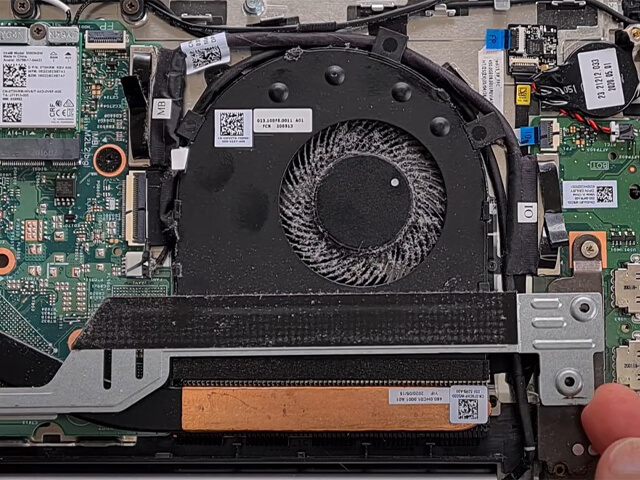
Before
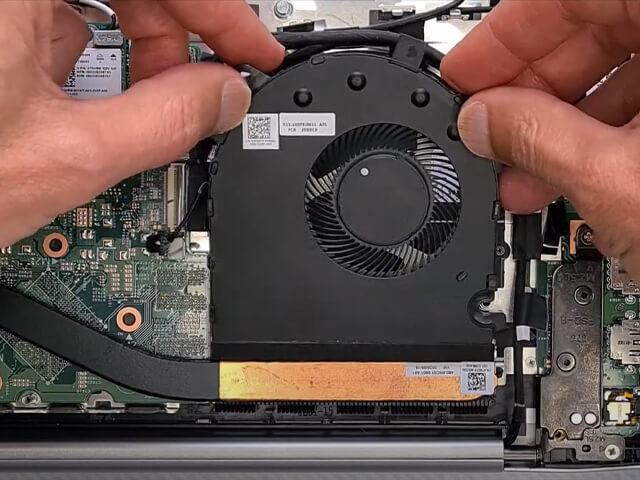
After
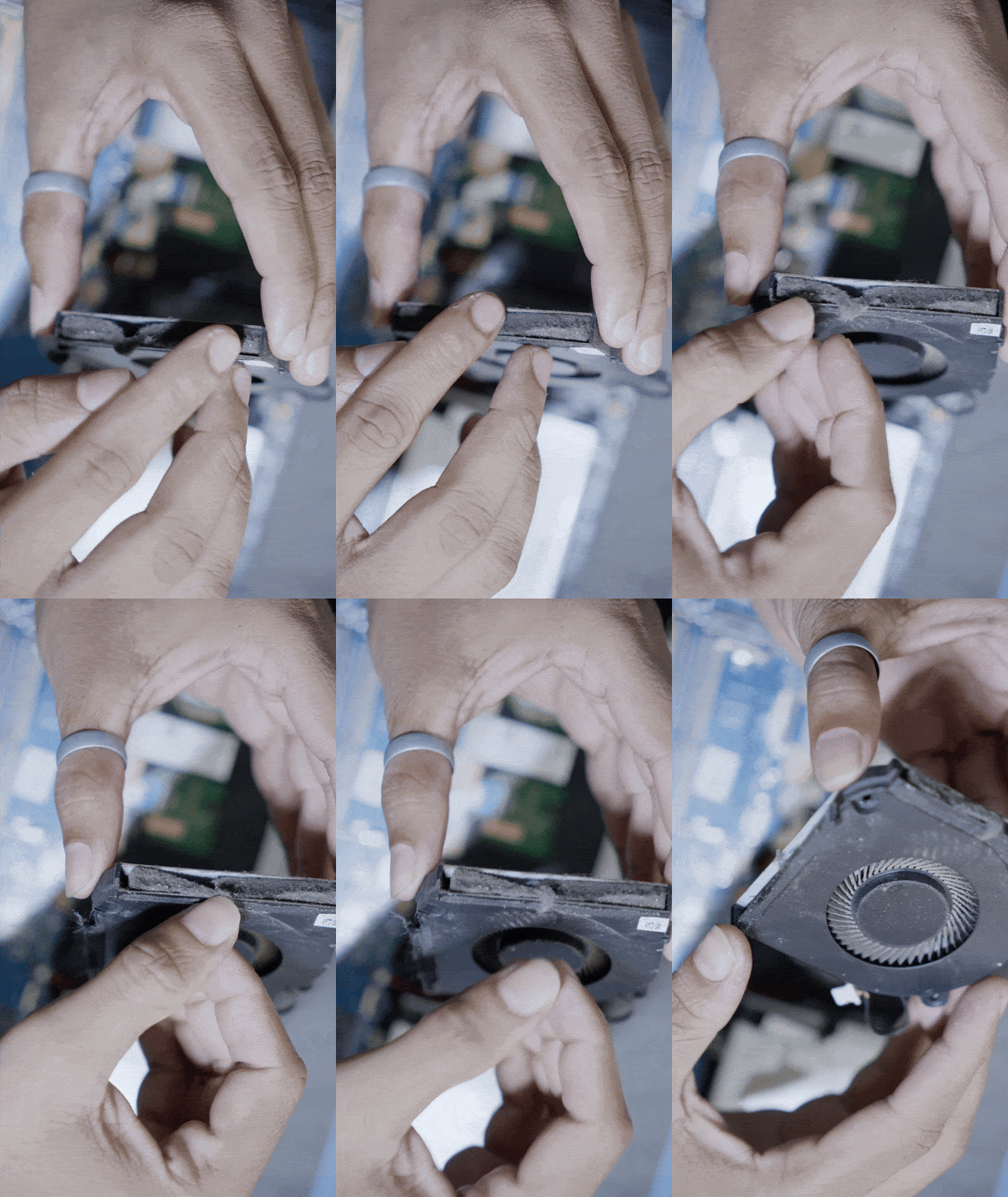
Dust Blocking Cooling Fan
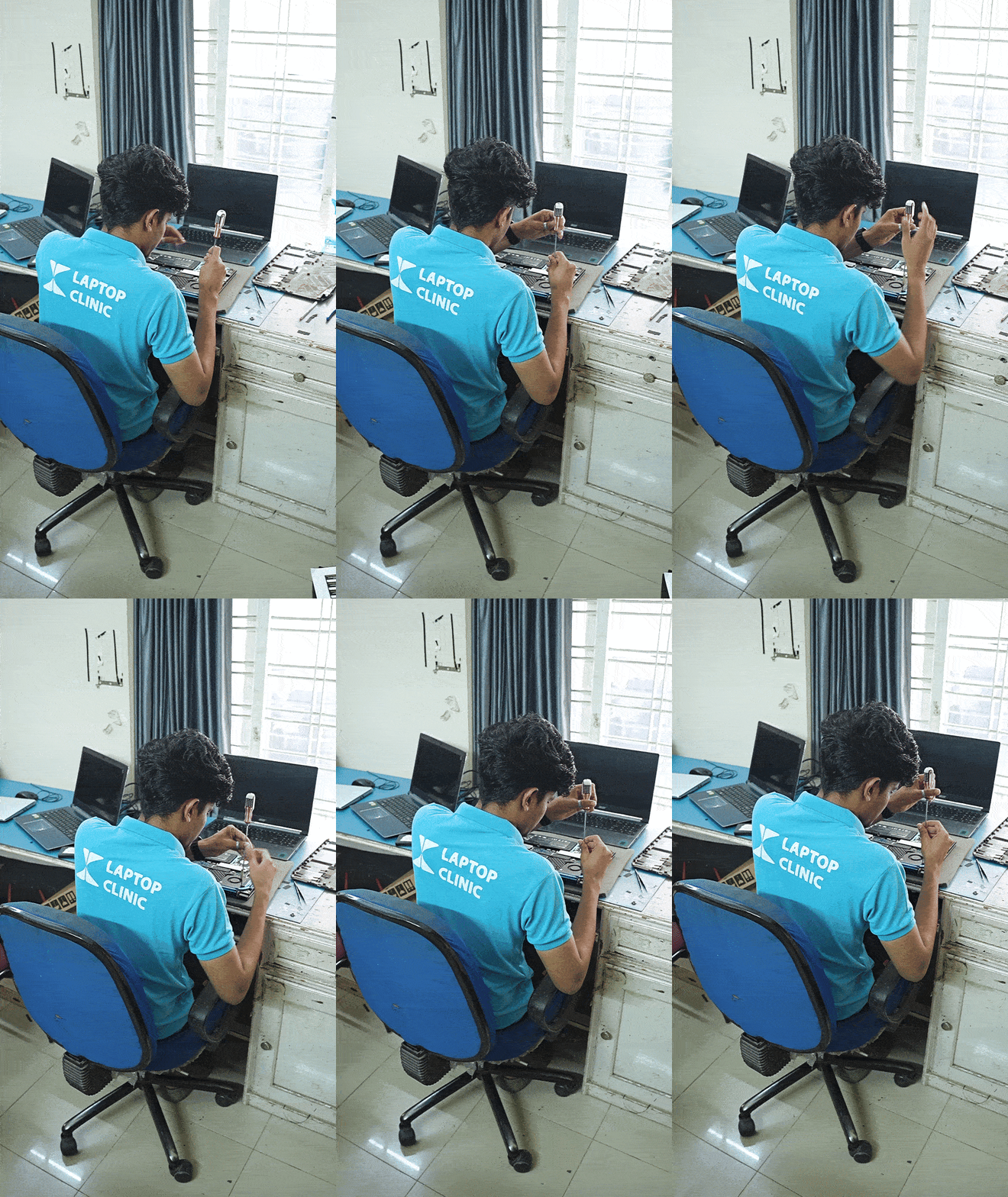
Expert Technicians
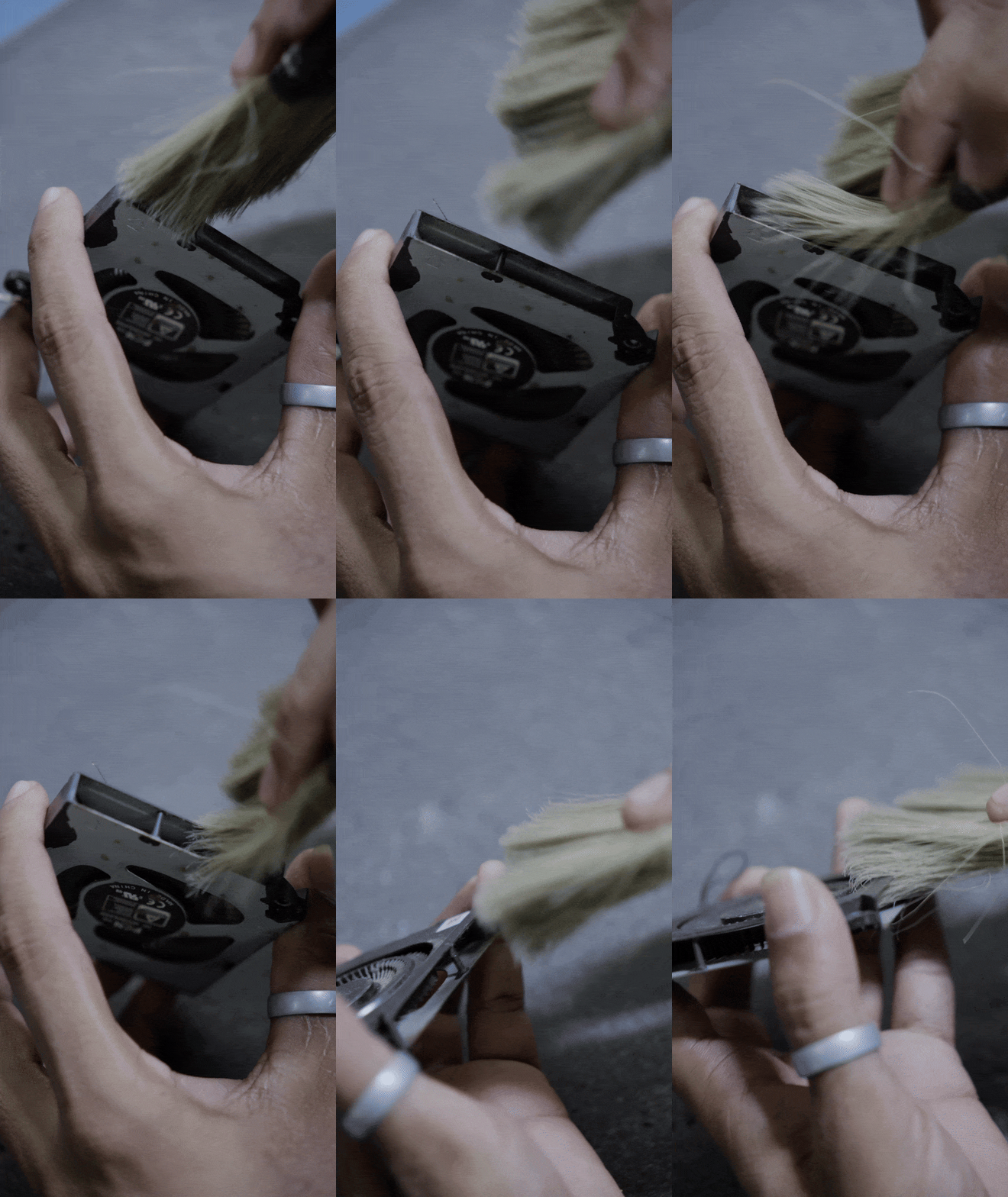
Complete Internal Cleaning
When have you last cleaned the Dust Inside Your Laptop? 🤔
Offer Expired!
Customer Testimonials 🎁
⭐️⭐️⭐️⭐️⭐️
Over 8,000+ 5 Star Reviews On Google...
Get Your Laptop Cleaned Professionally ✨
Offer Expired!
Frequently Asked Questions❓

How often should I get my laptop cleaned internally?
It’s recommended to clean your laptop’s internals at least once every 6 to 12 months, especially if you notice signs of overheating, noise from the fan, or a reduction in performance.
Will internal dust cleaning void my warranty?
No, as we are authorized service providers for Acer, Asus, Dell, Lenovo, and HP, our internal cleaning service will not void the warranty. We follow all manufacturer guidelines to ensure safe and effective cleaning.
What happens if I don't clean the dust inside my laptop?
If you don't clean the dust inside, it can lead to overheating, system slowdowns, permanent damage to hardware, and reduced battery life. Over time, this can significantly impact your laptop’s performance and longevity.
Can you clean the dust in my desktop computer too?
Yes, we also offer internal dust cleaning services for desktops. Simply bring your desktop to any of our locations, and we’ll clean it for optimal performance.
How long does the cleaning service take?
The internal dust cleaning service typically takes 1-2 hours, depending on the condition of your device. We will keep you informed about the exact time required.
Is the cleaning safe for my laptop?
Yes, our technicians are highly trained and experienced in safely disassembling and reassembling laptops. We use specialized tools to ensure no damage occurs during the cleaning process.

Offer Valid Till Timer Ends. T&C Laptop Clinic.